Snap it. Watch what happens.

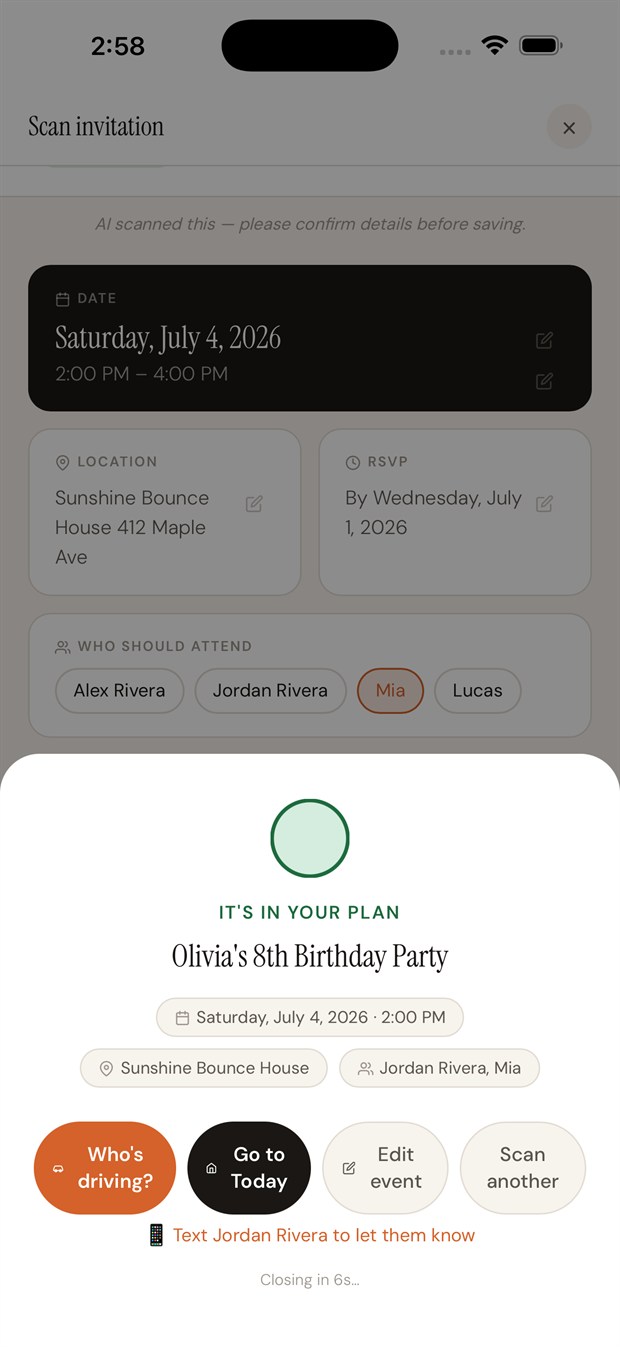
Clarely › Turn a schedule into a family calendar
Snap a photo of the school-year calendar, the practice schedule, or the party invite. Clarely reads the dates, times, and places — and files every event onto your family's calendar. No typing.
iPhone · Free for 14 days · One subscription covers your whole family, across two houses.
Snap it. Watch what happens.
Three steps, no typing
Point your camera at any schedule — or share a PDF, screenshot, or photo straight from Photos, Messages, or Mail with the iOS Share button.
It pulls out every date, time, and location — even from a messy multi-week sports schedule or a crowded school-year calendar.
Each event is filed onto your family's calendar — date, time, place, and RSVP — with reminders set. You just confirm.
Even a text thread counts
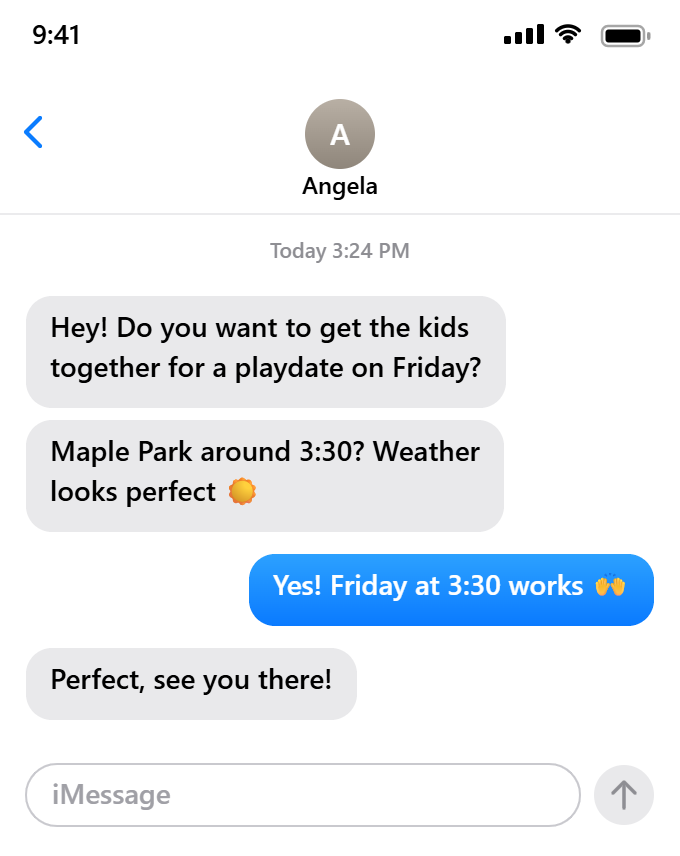
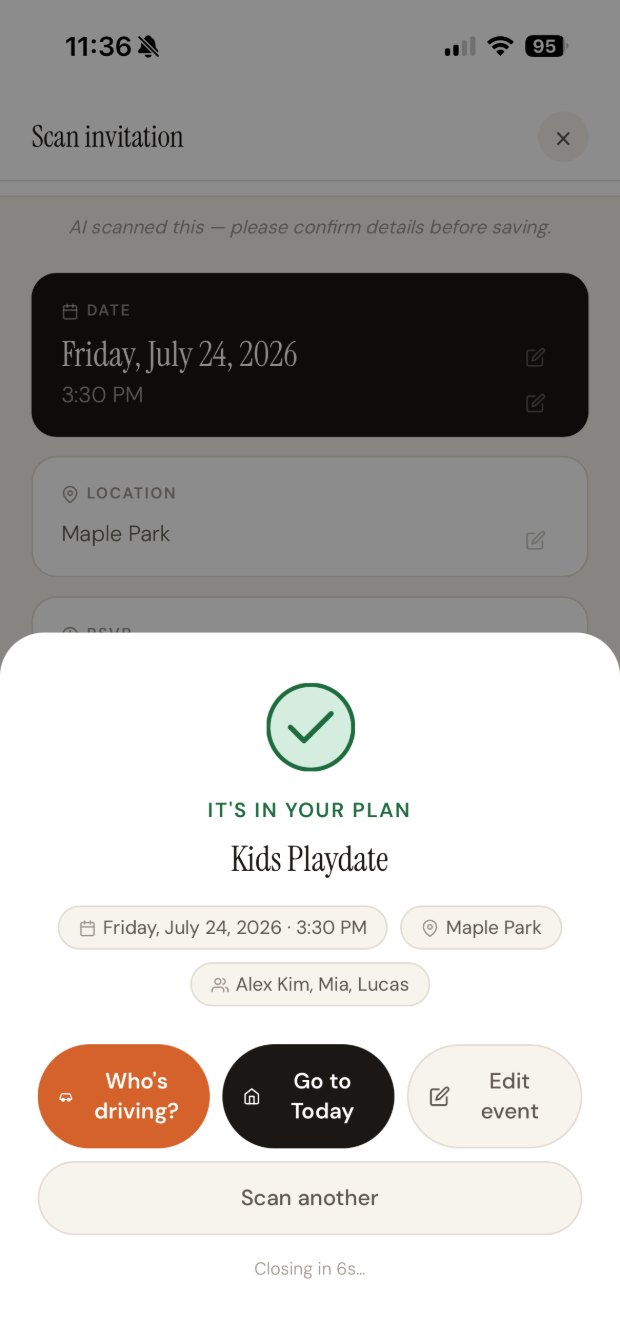
Screenshot the conversation. Some plans never exist as a document at all — a playdate, a last-minute practice change, a pickup time settled over text. Clarely treats a screenshot exactly like any other scan, pulling the day, time, and place straight out of the messages.
Clarely pulls the title, date, time, place, and RSVP straight off the document. From there the event becomes the hub — add who's driving, what to pack, and the tasks that go with it, all in one place.
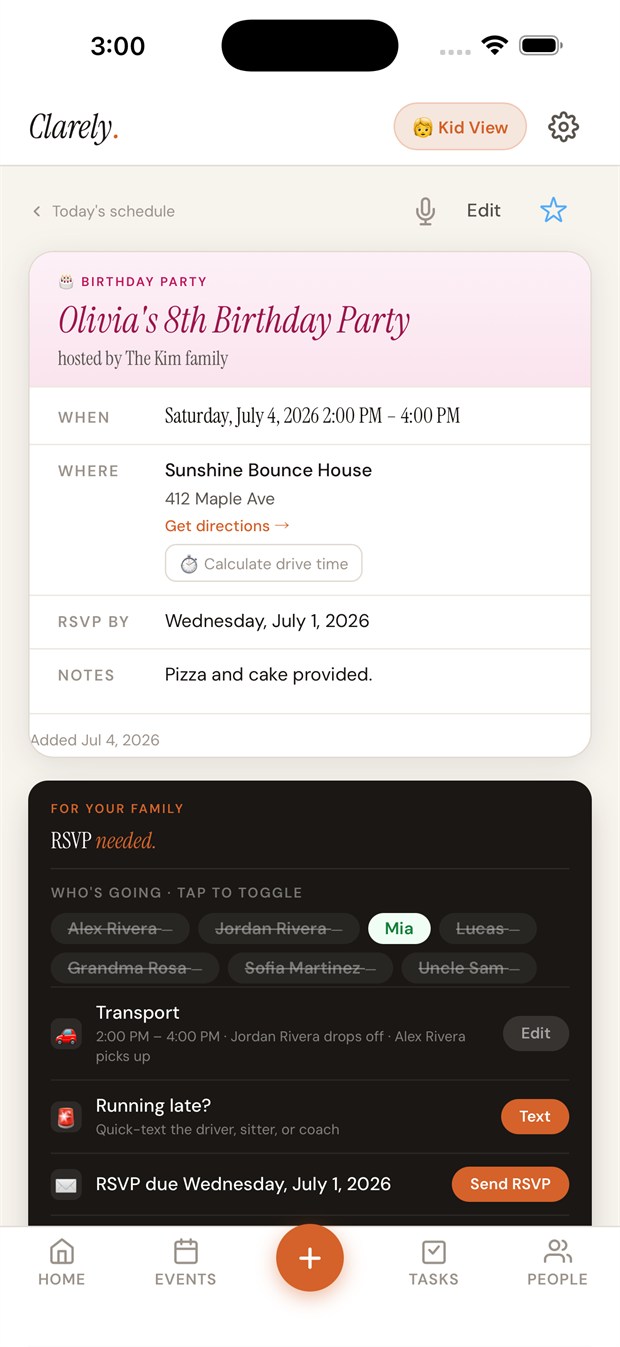
One scan handles the documents that used to mean a night of hand-entering events.
Clarely is built Apple-native, so your family's information — including your children's — lives on your own devices through iCloud, not on our servers. Read our privacy approach →
School-year calendars, sports and practice schedules, party invitations, camp and activity flyers, emailed schedules — even a screenshot of a text thread where plans got made. If it lists dates, times, and places, Clarely can read it.
All of them. Take a photo, or share a PDF, screenshot, or image straight from Photos, Messages, or Mail using the iOS Share button.
You review everything before it's saved. Clarely fills in the date, time, place, and RSVP, and you can adjust any detail with a tap before it lands on the calendar.
Yes. Clarely is built Apple-native, so your family's schedule lives on your own devices via iCloud — not on our servers.
No. One subscription covers your whole family — partner, sitter, grandparent, and co-parent — even across two households.
Snap the next one and watch Clarely handle it. Free to try for 14 days.
Download on the App StoreiPhone · One subscription for the whole family.